
Insights / Security
Malware scanning and quarantine for user uploads: don't trust a clean-looking file
A file can pass type and size checks and still be dangerous. Learn how to scan uploads, hold them in quarantine, and release them only on a clean verdict.
Kiran Bandarupalli · 28 Oct 2026 · 5 min read
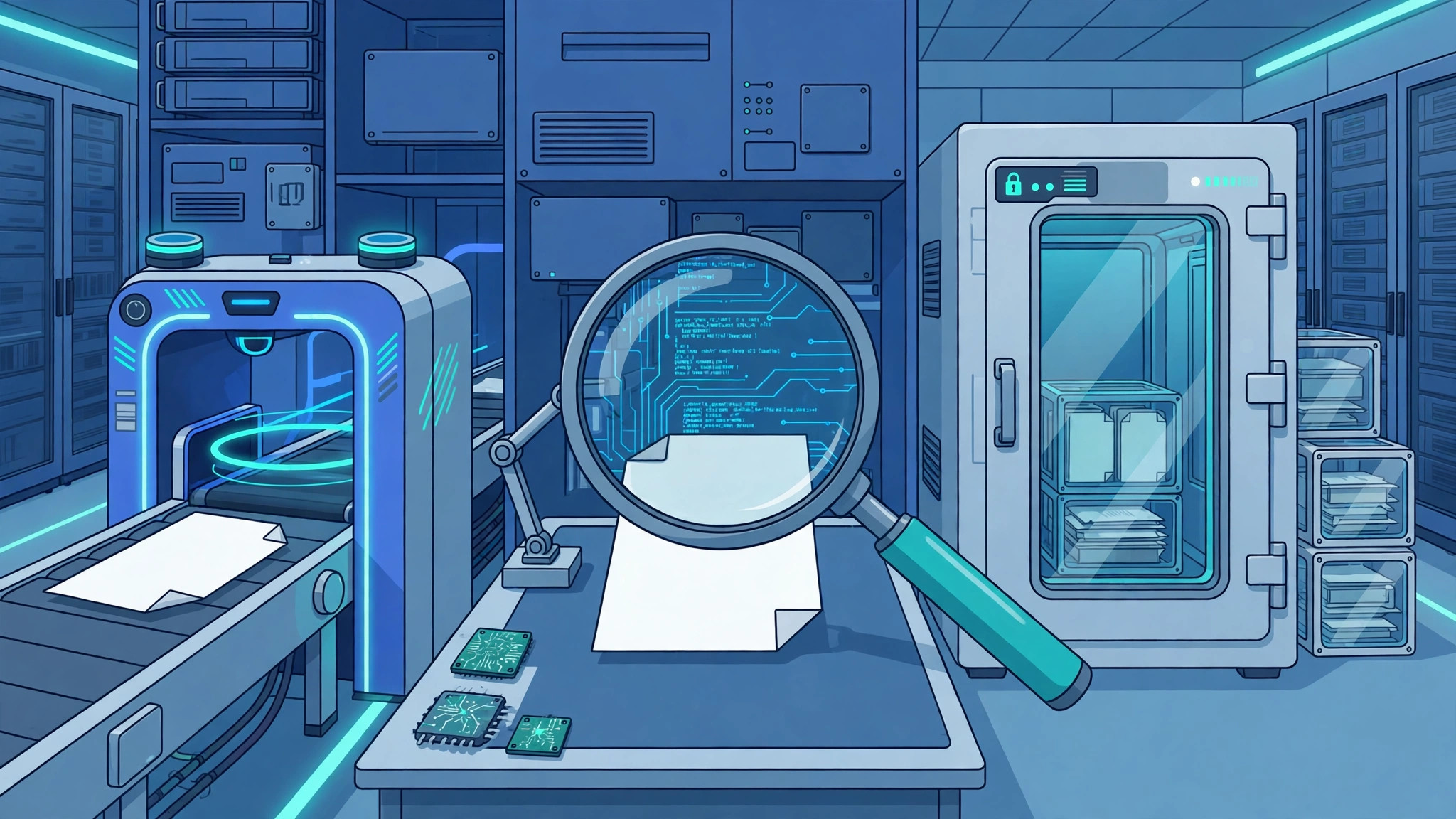
A file that passes your type and size checks can still be dangerous. A renamed executable, a document with an embedded script, or an archive that unpacks into something unexpected will all sail past a MIME-type check, because that check only looks at what the file claims to be. Scanning is the step that looks at what the file actually is, and quarantine is what keeps it away from everyone else until that question is answered.
Most upload incidents start with an ordinary-looking file stored in a web-accessible folder, served to another user, or opened by someone on the team. The fix is a pipeline where no upload reaches a user or a public URL before it has earned a clean verdict.
Validation is not scanning
Validation and scanning answer different questions, and confusing them is how dangerous files slip through. Validation asks whether the file fits the rules of the feature: is it the right kind, under the size limit, and structurally sound? Scanning asks whether the file is safe to keep at all, regardless of whether it fits.
If you already have an upload pipeline, this post builds on it rather than replacing it. A secure file upload pipeline covers the intake side: storing uploads outside the web root, renaming them, and never trusting the client-supplied filename. Scanning belongs after intake and before anything is served, shared, or processed further.
Design the quarantine boundary first
Quarantine is not a folder with a scary name. It is a boundary with three properties: nothing inside it is served to users, nothing inside it is opened by other tools without an explicit step, and nothing leaves it except through a release decision based on a scan verdict.
In practice, that means separate storage with its own access rules, not a subfolder of the public uploads directory. The accepting application writes to quarantine; a separate worker scans and moves clean files to their final location. The serving path never reads from quarantine, so a misconfigured route cannot expose a pending file.
Synchronous or asynchronous scanning?
Small files tempt teams into scanning inline, inside the upload request. That works until a large archive, a slow signature update, or a scanner outage turns every upload into a timeout — and timeouts mean retries, duplicates, and duplicate work.
Asynchronous scanning is the safer default for business applications. Accept the file, store it in quarantine, return a clear “processing” state, and let a worker scan it in the background. The user experience stays responsive, and the system can retry a scan without asking the user to upload again. The trade-off is honest: the file is not available immediately, so the interface must say so instead of pretending otherwise.
Async work brings its own failure modes, which is why the scan worker should be built like any other background job. Observability for asynchronous workflows applies directly here: a stuck scan queue should page someone before users notice, and every scan outcome should be traceable to a file, a scanner version, and a timestamp.
The verdict lifecycle
Every quarantined file should move through a small, explicit set of states, and only one of them leads to release:
- Pending: stored in quarantine, not yet scanned. Never served, never linked.
- Clean: scanned with current signatures and released to its final location.
- Infected: a threat was found. The file stays in quarantine, is flagged for review, and is never served.
- Unscannable: the file could not be scanned — corrupt, encrypted, or in an unsupported format. It stays quarantined and the uploader is told what to do next.
- Error: the scanner itself failed. Retry with a limit, then escalate; never default to clean.
Record the verdict as data, not as a log line that scrolls away. A minimal record looks like this:
{
  "fileId": "upload_48291",
  "sha256": "9f2c…e41a",
  "scanner": "clamav",
  "signatureVersion": "2026-10-28.01",
  "verdict": "clean",
  "scannedAt": "2026-10-28T04:00:00Z",
  "releasedTo": "/files/2026/10/invoice-48291.pdf"
}
The hash matters: a stored verdict for the same hash lets you skip a redundant scan, but only when the scanner and signature versions still match. Otherwise, rescan. Storage is cheap; a stale clean verdict is not.
What to do with an infected file
Deleting an infected file immediately feels decisive and is usually the wrong first move. Deletion destroys evidence: what the file was, who uploaded it, and whether the same file has appeared before. Quarantine exists precisely so you do not have to choose between safety and evidence in the same moment.
Keep the file in quarantine under restricted access, record the threat name and the uploader, and notify the right people — not the whole company, and not the uploader with a message that helps them evade the next scan. A plain “this file could not be accepted for security reasons” is enough for the user. The detailed record is for the team that reviews it.
Failures that must not become clean verdicts
The most dangerous scan outcome is not “infected.” It is a silent failure that looks like success: a scanner process that crashed, a signature update that failed, a queue worker that stopped consuming, or a timeout that the code treated as a pass. Every one of these has caused real incidents, because the system kept serving files while believing it was protected.
Guard against that with three rules. First, only a scanner-reported success counts; anything else is “unknown,” and unknown files stay quarantined. Second, monitor signature freshness as a health signal — week-old signatures should alert like any degraded dependency. Third, test the failure path in staging: with the scanner stopped, uploads must queue, not release.
The go-live checklist
- Uploads land in quarantine storage that no serving path can read.
- Every file gets a scan verdict — clean, infected, unscannable, or error — before release.
- Scanner failures and timeouts default to quarantine, never to clean.
- Verdicts record the file hash, scanner version, signature version, and timestamp.
- Infected files are retained for review under restricted access, not deleted on sight or served by accident.
- Signature freshness and queue depth are monitored and alerted on.
- Users see an honest status — pending, available, or rejected — not a silent delay.
- The failure path is tested in staging: scanner down means uploads queue, not release.
Scanning and quarantine are one layer in a wider upload strategy. The file upload security checklist for business applications covers the surrounding controls, from intake validation to retention, and secure file downloads with signed URLs and expiry covers the other end of the lifecycle — making sure a clean file is only served to the right person, for the right length of time. Build the boundary, record the verdict, and let nothing cross it on a guess.
If you are building or hardening uploads for a business application and want this designed around your stack rather than bolted on, BDOT Software builds custom software with secure file handling from the start — or talk to us about your upload workflow and we will map the quarantine boundary to it.