
Insights / Databases
MySQL connection pooling for business web applications: stop opening a connection per request
Opening a database connection per request works until traffic grows — then the database spends its effort on connection churn. A small, well-sized pool fixes that.
Kiran Bandarupalli · 3 Nov 2026 · 5 min read
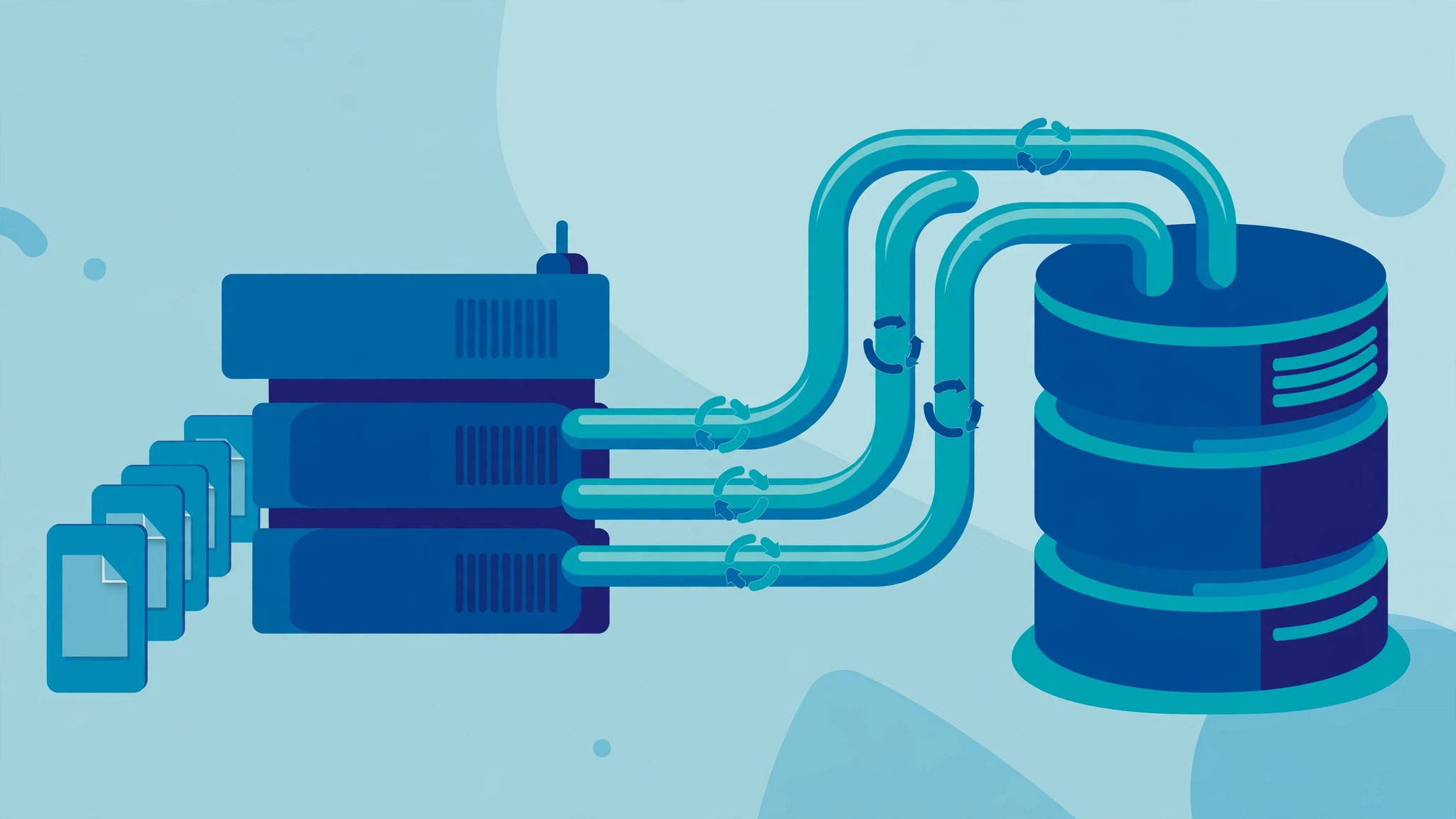
Every request to a business web application wants something from the database. The naive approach — open a fresh connection, run the query, close it — works with one user and one request at a time. It starts to hurt exactly when the business is doing well: traffic grows, pages slow down, and the database starts refusing connections. The fix is rarely a bigger database server. It is usually a connection pool — a small, managed set of connections that requests share instead of each opening their own.
What opening a connection actually costs
A database connection is not free. Opening one means a network round trip, authentication, and session setup, and MySQL keeps memory and a thread for every connection it holds. Do that per request and you pay the setup cost on every page load and API call. Worse, the cost arrives in bursts: a traffic spike becomes a connection spike, and the database ends up busy managing connections instead of answering queries.
The symptom most teams meet first is the “too many connections” error, or its quieter cousin: requests that get slower under load while database CPU looks unremarkable. Both point to the same problem. The application treats connections as disposable, and the database spends its effort on connection churn rather than work. Before reaching for a larger server, check how many connections the application opens and whether they are returned.
What a pool does instead
A connection pool keeps a fixed number of connections open and hands them out as needed. A request borrows a connection, runs its queries, and returns it; the next request reuses it, skipping the handshake. The pool also sets boundaries: a maximum size, a queue so excess requests wait in line, and timeouts so a stuck request cannot hold a connection forever.
That boundary is the real value: an unbounded problem — one connection per concurrent request, no ceiling — becomes a bounded one. When the pool is exhausted, the failure is visible in rising queue times, and the team can see whether the pool is too small, a query is too slow, or a connection is leaking.
const pool = mysql.createPool({
  host: process.env.DB_HOST,
  user: process.env.DB_USER,
  password: process.env.DB_PASSWORD,
  database: process.env.DB_NAME,
  waitForConnections: true,
  connectionLimit: 10,
  queueLimit: 50,
  idleTimeout: 60000,
});

const conn = await pool.getConnection();
try {
  const [rows] = await conn.query(
    'SELECT id, name FROM customers WHERE id = ?', [customerId]);
  return rows;
} finally {
  conn.release();
}
Sizing the pool: small numbers, measured
The most common pooling mistake is setting the maximum far too high, on the theory that more connections mean more capacity. They do not. Beyond a point, extra connections compete for the same CPU and disk, and throughput falls while latency rises. A small application is often fastest with ten or fewer connections. Start small, measure under realistic load, and raise the number only when the measurements say the pool, not the queries, is the bottleneck.
Count every pool, not just one. If the application runs on three server instances, each with a pool of ten, the database sees thirty connections, plus background workers and reporting jobs. The database limit must cover the sum of all pools, plus headroom for an administrator connection during an incident. This is why choosing boundaries you can operate matters: every new service that talks to the database brings its own pool, and the total is a deliberate number, not an accident.
Pool settings checklist
- Set an explicit maximum pool size, and keep the sum of all pools below the database connection limit.
- Turn on waiting with a bounded queue and a queue timeout, so overload fails fast instead of hanging.
- Set an idle timeout so unused connections are closed instead of accumulating silently.
- Always release connections in a finally block, and treat a missing release as a bug.
- Validate connections before reuse, or retire stale ones, so a restarted database does not poison the pool.
- Export pool metrics — active, idle, and queued counts — and alert on queue time, not just on errors.
Failure modes worth designing against
Pool exhaustion is the failure teams notice, but connection leaks are the failure that causes it. A leak is a connection borrowed and never returned: an early return that skips the release, an exception path that forgets it, or a long transaction holding a connection while waiting on something else. Leaks drain the pool slowly, so the application works all morning and fails in the afternoon. The defence: release in a finally block, keep transactions short, and watch active connections trend over hours.
Stale connections are the second trap. Databases restart, networks drop idle connections, and firewalls silently close them. A pool that hands out a dead connection produces intermittent errors that look like application bugs. Validate on checkout, or configure the pool to test and replace idle connections, and the problem mostly disappears. The same discipline applies elsewhere: observability for asynchronous workflows makes the same point, that background work needs visible metrics before anyone trusts it. Note too that a rolling deploy runs old and new instances side by side, each with its own pool, so size for the deploy spike as well — for the same reason a deployment pipeline should prove what it ships, pool settings should be visible and versioned.
Pooling is not a fix for slow queries
A pool protects the database from connection churn; it does nothing for a query that scans a million rows. If queue times stay high after pooling is in place, the next step is the queries themselves — measurement work, not guesswork. Treat a MySQL index as a hypothesis: check the slow query log, test the index, and confirm the improvement. Pooling and indexing solve different problems, and confusing them is how a large pool ends up hiding slow queries until traffic doubles.
The same applies to schema changes. A pool does not make a migration safe; it only changes how many connections compete while the migration runs. Deploying database changes without a maintenance window is the companion discipline: expand before you contract, and never let a migration hold connections hostage. And when something does go wrong, recovery matters as much as the pool: a MySQL backup you have actually restored is what turns a bad day into a short one.
Start with one pool, one number, one metric
If your application opens a connection per request today, do not redesign the data layer. Introduce one pool with a modest maximum, release every connection in a finally block, and export one metric: how long requests wait for a connection. Watch queue time under real load for a week, and adjust from evidence. That single change removes an entire class of load-related failures, and it costs an afternoon, not a migration.
For teams that would rather have this set up once than tuned under pressure, our cloud and DevOps work covers database, deployment, and recovery setup for small business applications. If your application slows down exactly when it gets busy, the pool is a good place to look first — and talk to us before the next traffic spike finds the limit for you.