
Insights / Development
Push notifications for business mobile apps: delivery, retries, and expired tokens
Push notifications fail silently far more often than they bounce. How delivery really works, why device tokens expire, and the retry setup that keeps business alerts reaching your users.
Kiran Bandarupalli · 16 Nov 2026 · 5 min read
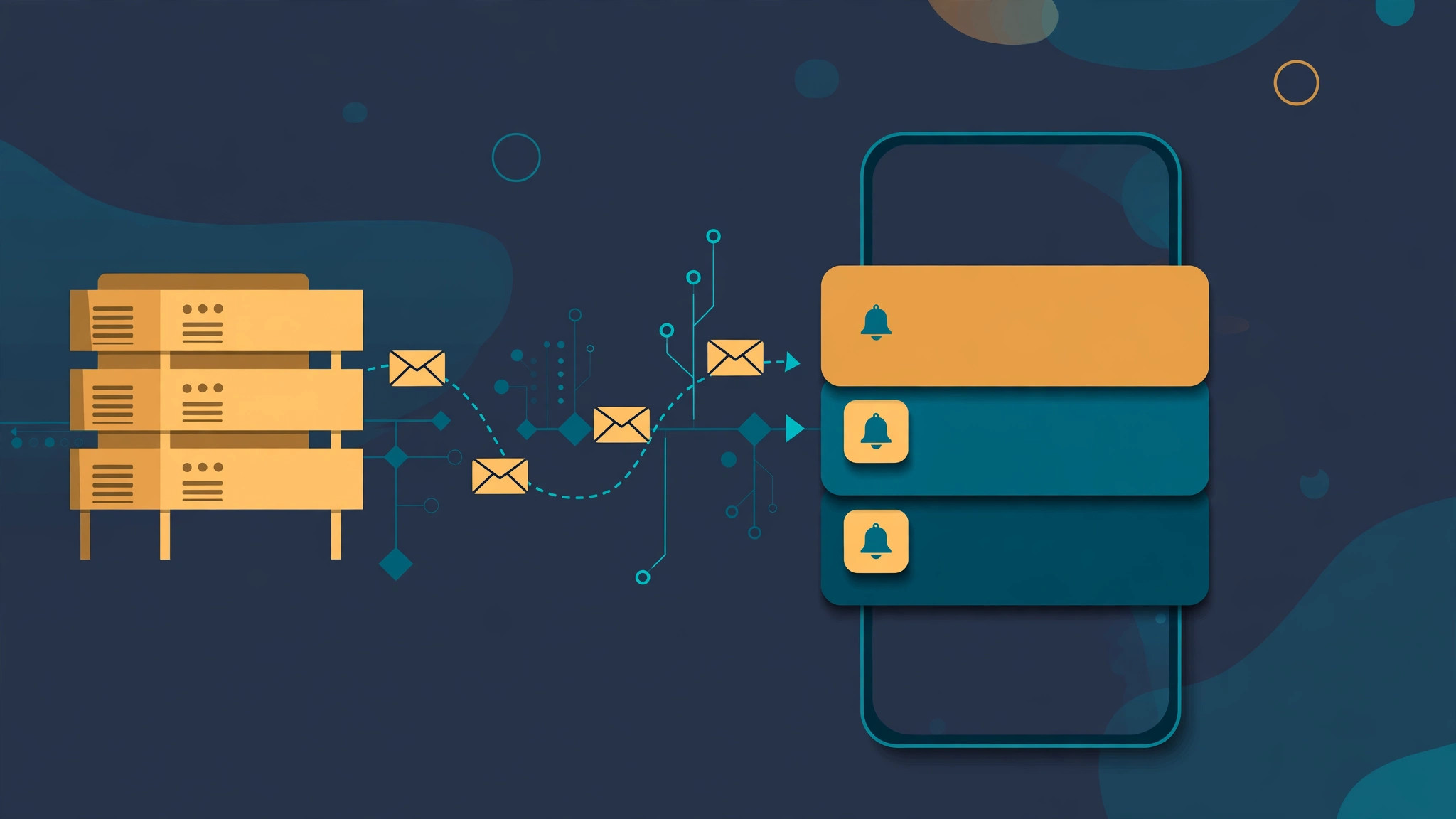
A push notification feels like the most reliable channel a mobile app has. You call an API, the phone buzzes a second later, and the user acts. In a business app that feeling is doing a lot of work: appointment reminders, order updates, field-service dispatches, and approval requests all ride on it. When a notification never arrives, nobody files a bug report — the user simply assumes nothing happened.
The uncomfortable truth is that push delivery is a distributed queue you do not control, and most of its failures are silent. The provider accepts your message, returns a success, and the notification still never reaches the device. Building reliable push means accepting that model: treat every send as a job that can fail, every device token as a credential that expires, and every delivery as something you measure rather than assume. The same discipline behind offline-first sync applies here too.
How delivery actually works
Your server never talks to the phone directly. It sends a message to Apple Push Notification service (APNs) or Firebase Cloud Messaging (FCM), which delivers it over a persistent connection to the device. The address is the device token: a string your app receives from the operating system and sends to your server, usually at sign-in or first launch.
That indirection has three consequences. First, the provider is a queue with its own limits, throttling, and failure modes, and you cannot inspect it. Second, the token is the only thing tying a message to a device, so token management is the whole addressing system. Third, the provider's acknowledgement means it accepted the message, not that the device received it.
Why notifications never arrive
Most silent failures come from a short list of causes, and each one needs a different fix:
- Expired or revoked tokens. Tokens change when the user reinstalls the app, restores a backup onto a new phone, or clears app data. A token that worked last month may now point nowhere.
- Uninstalled apps. The provider eventually reports these, but not on the first send — until you act, you keep sending messages into a void.
- Revoked permission. The user turned notifications off in system settings, or never granted permission in the first place. No provider error will tell you; the message is simply dropped.
- Throttling and collapse. Providers rate-limit aggressive senders and collapse repeated messages with the same collapse key into one. A chatty system can overwrite its own alerts.
- Payload problems. Oversized payloads are rejected, and low-priority messages on Android may wait for the device to wake from Doze mode — a time-critical dispatch can arrive an hour late.
- Wrong environment. Development tokens sent through the production APNs endpoint, or vice versa, fail silently. This is the classic staging bug that only appears the week you ship.
None of these is exotic. Every one of them is a normal Tuesday for an app with a few thousand users, which is why the fix belongs in the design rather than in a post-incident scramble.
Treat device tokens like credentials that expire
A device token is a secret with a lifecycle, and it deserves the same care as any other credential your server stores. Store tokens per device rather than per user, record when each was last seen, and refresh them on every app launch — the same rotation thinking you would apply to API keys and provider credentials. When the operating system hands the app a new token, treat it as a rotation event and update the stored record immediately.
The provider tells you when a token is dead, if you listen. APNs returns a 410 with a timestamp, and FCM returns NotRegistered. Both mean the same thing: delete the token and stop sending to it. The same identity discipline applies to connected hardware — giving every device an identity it cannot fake is the core idea behind IoT device provisioning and fleet identity, and phones are a fleet too.
Never log full tokens: a token in a log file is a credential in a log file.
Retries belong in a queue, not in the request
The most common implementation mistake is sending the notification inline, inside the HTTP request that triggered it. If the provider times out, the user sees an error for an action that succeeded — or the action succeeds and the notification is silently dropped. A notification is a side effect, and side effects belong in background jobs with retries and idempotency, not in the request path.
Enqueue the notification with a stable idempotency key, and let a worker own the delivery. Transient provider errors — Unavailable, 5xx responses, connection resets — get retried with exponential backoff. Permanent errors — NotRegistered, 410, invalid payload — go straight to a dead-letter queue for a human to inspect, never into an infinite retry loop. The pattern is the same one that makes webhook consumers safe to retry.
// Worker: deliver one queued notification, decide retry vs. dead-letter
async function deliver(job) {
  const res = await provider.send(job.payload);
  if (res.ok) return markDelivered(job);
  if (res.error === 'NotRegistered' || res.status === 410) {
    await deleteToken(job.deviceToken); // token is dead, stop sending
    return markDeadLetter(job, res.error);
  }
  if (res.retryable && job.attempts < 5) {
    return requeue(job, backoff(job.attempts)); // 1m, 5m, 15m, 1h, 4h
  }
  return markDeadLetter(job, res.error);
}
Cap the retries, and give each message a time-to-live: a notification about a 9 a.m. appointment is worthless at 4 p.m.
Measure delivery, not sends
Counting messages sent is counting effort, not outcome. Track a small set of delivery metrics instead: sends, provider acceptances, provider errors by type, token deletions, and — where offered — delivery receipts. Break errors down by provider and error code: a spike in NotRegistered means a token problem, a spike in throttling means a sending problem.
This is a job for the same observability for asynchronous workflows you already need for queues and webhooks. Add a per-user delivery view to your admin tooling too, so when a customer says “I never got the reminder,” support can see what was sent, to which token, and what the provider answered.
Checklist before you ship
- Tokens are stored per device, refreshed on launch, and deleted on
NotRegisteredor APNs 410. - Sends happen from a background job with an idempotency key, not inline in the request.
- Transient errors retry with backoff and a cap; permanent errors go to a dead-letter queue.
- Every message has a time-to-live, and time-critical alerts use high priority.
- Development and production provider credentials are separate, and the build cannot mix them up.
- Delivery metrics exist: sends, acceptances, errors by type, token churn, and receipts.
- Support can trace one user's missing notification without touching a log file.
- Users who revoked permission get an in-app fallback, not silence.
Push notifications are infrastructure, not a feature bolted on at the end. Build the queue, manage the tokens, measure the delivery, and the channel becomes as reliable as the rest of your mobile app development work. If your app's notifications are flaky and you are not sure where they are being lost, talk to us — tracing a broken delivery path is usually a short engagement with a very visible payoff.