
Insights / Security
Where to store user uploads: object storage vs filesystem vs database
Object storage, the local filesystem, or the database? Where user uploads live decides how your application scales, recovers, and stays secure. Here is how to choose.
Kiran Bandarupalli · 7 Nov 2026 · 6 min read
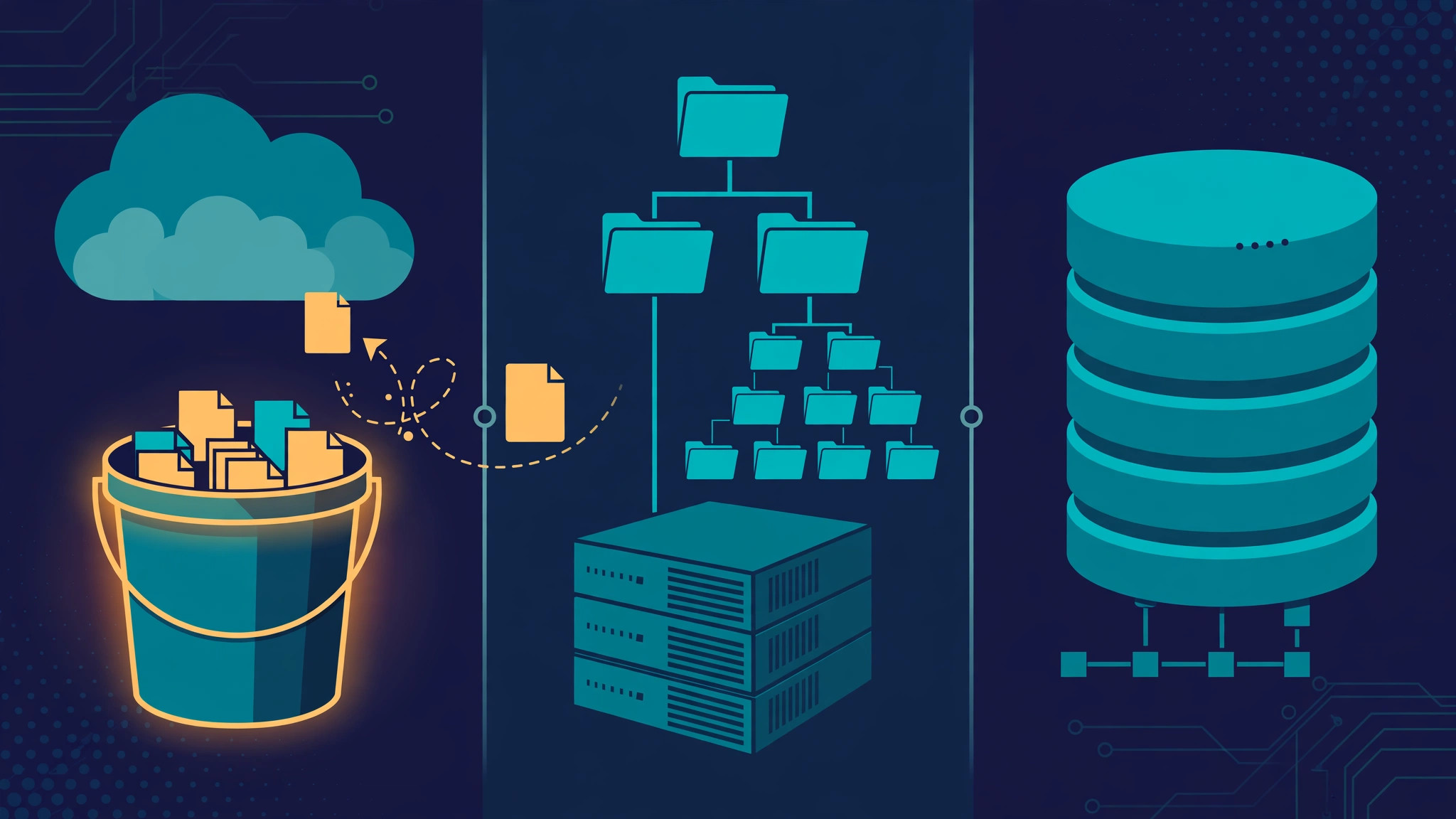
Every business web application that accepts files eventually faces the same quiet decision: where do the bytes actually live? The upload endpoint is the easy part. The home you choose for the file afterwards decides how your application scales, how it recovers from a failed server, and how much an attacker can reach if something goes wrong. The three realistic options are object storage, the local filesystem, and the database, and they are not interchangeable. Each one is the right answer for a different kind of file.
The mistake is usually made early, when there are ten uploads a day and any option works. A year later there are ten thousand files and the server has been replaced twice. Choosing deliberately now is cheaper than migrating later.
Object storage: the default for user files
Object storage, such as S3 or an S3-compatible service, is where most user uploads belong. You put an object in with a key, you get it back with the same key, and the service handles durability, replication, and scale. There is no directory tree to keep in sync and no disk to fill up. Most importantly, any application server can serve any file, which is what makes horizontal scaling boring instead of painful.
Object storage also changes how uploads reach you. Instead of proxying every byte through your application server, the browser can upload straight to storage with a direct-to-cloud upload using a presigned URL, while your server keeps control of signing, quotas, and validation. Lifecycle rules clean up abandoned uploads, and you pay for what you store and transfer, and nothing else.
The trade-offs are manageable. Latency is higher than a local disk read, so keep storage off the hot path of requests that need the bytes synchronously, and confirm uploads through a database record rather than by listing the bucket. Access control is your responsibility: serve files through signed download URLs with expiry and access control instead of public paths.
The local filesystem: simple, until it is not
Writing uploads to a directory on the application server is the simplest option, and for a single-server application with modest volume it is a defensible one. Reads are fast, there is no extra service to pay for, and debugging is as easy as listing a directory.
The problems arrive with the second server. Add another application instance, or move to a container that can be recreated at any time, and files stored on one machine's disk become invisible to the others and are lost when the container is replaced. Backups become a separate job: a database backup does not include the uploads directory, so restoring the database without the files leaves records pointing at bytes that no longer exist. A secure file upload pipeline still applies, but it now has to coordinate two stores that back up and restore independently.
Filesystem storage also worsens the security picture: files under the web root can be executed or served directly if the server is misconfigured, and a path-traversal bug can turn a filename into a way to read files outside the upload directory. Keep files outside the web root, serve them through your application, and never let a user-supplied filename decide the path on disk.
The database: for metadata, not for bytes
Storing file contents in the database, usually as a BLOB column, has one genuine advantage: the file and its metadata commit and back up together, atomically. A restore brings everything back in one step. For very small files tightly bound to a row, such as a tiny avatar under a few dozen kilobytes, this can be the simplest correct design.
Past that narrow case, the database is the worst of the three homes for file bytes. Large BLOBs bloat tables, slow down backups, and worsen replication lag, because every replica carries bytes it will never query. The most expensive and hardest-to-scale component in your stack ends up doing a job object storage does for a fraction of the price.
The better pattern is to keep the database for what it is good at: a record of the upload. Store the object key, filename, content type, size, owner, and validation status as columns, and let the bytes live in object storage. A file is not usable until the record says it passed validation, which is exactly the flow in background jobs with retries and idempotency: a queued job inspects the object once and flips the record from pending to ready or rejected.
A decision table you can actually use
| Factor | Object storage | Local filesystem | Database BLOB |
|---|---|---|---|
| Scales past one server | Yes | No | Yes, expensively |
| Survives server replacement | Yes | No | Yes |
| Backup complexity | Built in | Separate job | One backup, slower |
| Cost at scale | Low | Disk-bound | High |
| Best for | Most user files | Single server, small volume | Tiny files bound to a row |
The rule of thumb: bigger than a few dozen kilobytes, served by more than one server, or uploaded more than a few times a day, and it belongs in object storage. A small image that only matters attached to one row can live in the database. The filesystem is the right answer only while you are certain the application will stay on one server, and that certainty rarely survives contact with growth.
What stays the same wherever files live
Changing the storage backend does not change the threat model. A file is untrusted until inspected, wherever it sits. Check the magic bytes rather than the extension, run a malware scan and quarantine pass, and strip unwanted metadata. The same image validation rules apply to a file in a bucket as to a file on disk, and large files still benefit from a resumable upload flow so a dropped connection does not mean starting over.
Keep the storage layer behind a small abstraction in your code, so the decision is reversible: store a file and return a key, fetch by key, generate a download URL, delete by key. With that seam in place, moving from the filesystem to object storage later is a contained change instead of a rewrite.
// The storage interface stays the same; only the backend changes.
interface FileStore {
  put(key: string, body: Buffer, contentType: string): Promise<void>;
  getSignedUrl(key: string, expiresInSeconds: number): Promise<string>;
  delete(key: string): Promise<void>;
}

// Filesystem today, object storage tomorrow:
// swap the implementation, not the callers.
const store: FileStore = createStore(process.env.FILE_STORE);
Migration checklist
- Inventory what you store today: file types, sizes, counts, and which ones are still referenced.
- Decide the home per file type: documents and images go to object storage; tiny row-bound files may stay in the database.
- Generate object keys server-side, namespaced by user and upload; the client never chooses a key.
- Backfill the database record for every file: object key, type, size, owner, and validation status.
- Serve files through signed URLs with expiry, never through public bucket paths or direct filesystem paths.
- Run validation, malware scanning, and metadata stripping on the new store before switching reads over.
- Keep the old store read-only for a migration window, then delete it only after a backup confirms nothing references it.
- Add a lifecycle rule so abandoned and quarantined uploads are cleaned up instead of accumulating.
Where user uploads live is a decision that compounds. Object storage is the right default for most business applications: it scales, survives server changes, and keeps the database doing database work. The filesystem is fine until the second server, and the database is fine until the file stops being tiny. Pick the home that matches the file, keep the validation pipeline in front of it, and put a thin abstraction between your code and the bytes so the choice stays reversible. If your application is outgrowing where its files live, talk to us — storage and file handling are part of the cloud and DevOps work we do for business applications.