
Insights / Security
File upload quotas and rate limits: stop one user from filling your disk
One user, one script, one runaway sync loop — and your disk is full. Per-file limits, per-account quotas, and rate limits turn upload abuse into a clean rejection instead of a dead server.
Kiran Bandarupalli · 13 Nov 2026 · 5 min read
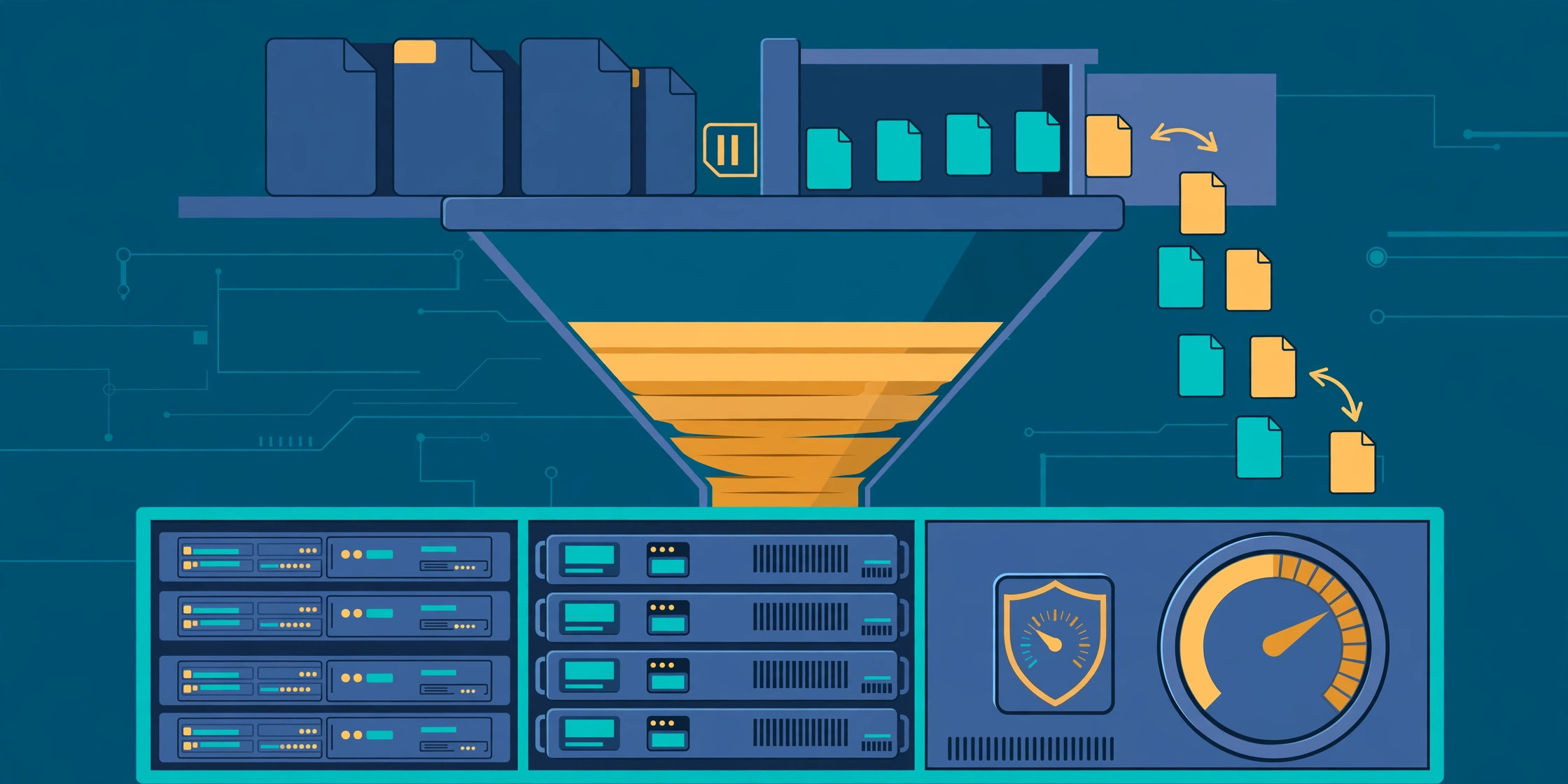
Every upload endpoint has a failure mode that has nothing to do with malware or bad file types: it runs out of disk. One user uploads a 4 GB video to a form that expected a 2 MB document, or a script hammers the endpoint with a thousand files an hour, and the whole application goes down — not because the code was wrong, but because nobody decided how much storage one account may consume. A secure file upload pipeline checks what a file is; quotas and rate limits decide how much you will accept, from whom, and how fast.
Why a size check on the form is not enough
A maximum file size stops the obvious case, but not volume: ten thousand 5 MB files are still 50 GB, and a user who uploads a little every day will eventually own your disk. The failure is silent until it is total — the disk fills, the database cannot write, and every part of the application fails at once.
Quotas make this failure bounded and predictable: no single account can consume more than a known amount of storage, and when the limit is reached the system says no cleanly. It belongs in your file upload security checklist as its own line item, not a footnote to file-type checks.
The four limits that actually matter
Four limits working together stop most upload abuse, each catching a different failure.
- Per-file size. The largest single file you will accept — a profile photo does not need 50 MB — enforced at the proxy, before the application sees the bytes.
- Per-request total. A cap on the whole request, not just each file: ten files at 10 MB each is a 100 MB request.
- Per-user quota. The total storage one account may hold, checked against the stored total — this stops the slow accumulation problem.
- Upload rate. How many uploads, or bytes, one account may send per hour or day.
Enforce each limit where it is cheapest: size at the reverse proxy, which rejects an oversized request in milliseconds; quotas and rates in the application, which knows who the user is and how much they already store.
Enforce size at the proxy, not in the application
If your application reads the whole request body before checking its size, an attacker has already won: the server has spent time and memory receiving a file you were never going to keep. NGINX rejects oversized bodies before they reach the application:
# /etc/nginx/conf.d/uploads.conf
client_max_body_size 10m;
limit_req_zone $binary_remote_addr zone=uploads:10m rate=5r/m;
location /api/uploads {
    limit_req zone=uploads burst=2 nodelay;
    proxy_pass http://127.0.0.1:3000;
}
The first line caps the request body; the rest cap the rate at five uploads per minute per IP. IP limiting is blunt — an office behind one NAT address shares a limit — so treat the proxy as a coarse safety net, and put per-account limits in the application.
Per-user quotas need a running total, not a guess
A quota check that counts files on every upload will be slow and wrong. Keep a running total per account — one column updated when a file is stored and when it is deleted — and reject the upload if current usage plus the new file exceeds the quota, with a clear error rather than a generic 500.
Update the total in the same transaction as the file record, or a failed upload leaves the count wrong, and make deletions decrement it, or a user who deletes old files stays blocked forever. If files can be deleted outside the application, a reconciliation job must recount from real storage. Where you store user uploads changes the mechanics, not the need for a quota.
Rate limits that punish abuse without punishing users
A rate limit that blocks a legitimate user is a bug, not a protection. Limit by authenticated account, not just by IP, so one bad actor cannot consume the shared allowance of everyone behind their network. Use a token bucket — a steady refill of allowance — rather than a hard hourly reset.
Give different limits to different actions — a bulk import by an admin is not a customer attaching a document — and always return a 429 with a Retry-After header: a client that knows when to retry does not hammer your endpoint in a loop.
Direct-to-cloud uploads still need quotas
Moving uploads off your server does not remove the quota problem; it moves it. With direct-to-cloud uploads using presigned URLs, your server never touches the bytes, but the storage bill still arrives, and the object store will accept unlimited files from anyone holding a valid URL. Check the quota when the URL is issued, and issue one that only allows the declared size and content type. A presigned URL without a size bound is an open tap.
When the quota is reached, say so clearly
A user who hits a limit should see how much they have used, what the limit is, and what to do next: delete old files, upgrade, or contact support. A vague error turns a reasonable limit into a support ticket. The same applies to API consumers: return the quota state in the error body, so an integration can show it instead of guessing.
Do not reveal other users' usage, and remember a quota is not a substitute for validation: malware scanning and quarantine still runs on whatever you accepted. A quota is a second gate.
What to monitor before the disk fills
Quotas stop one account from taking the disk, but not total growth. Monitor three numbers: total storage used, with alerts at 70% and 85%; uploads per account per day, so a spike shows up before a quota is reached; and rejected uploads by reason — size, quota, rate — because a sudden rise is either an attack or a limit set too low.
The same applies to resumable uploads: every chunk is storage, so expire incomplete sessions after a day and count their bytes against the account until they are gone.
A starting checklist
- Set a per-file size limit at the proxy and a per-request total in the application.
- Give every account a storage quota, checked against a running total updated with the file record.
- Rate-limit uploads per authenticated account with a token bucket, and return 429 with Retry-After.
- Bound presigned URLs by size and content type, and check the quota before issuing them.
- Reconcile stored totals against real storage, and expire incomplete or orphaned uploads.
- Alert on disk usage at 70% and 85%, and on unusual per-account upload spikes.
- Show users their usage and limit when a quota blocks them.
None of this is glamorous, and none of it shows up in a demo. But the day a script or one enthusiastic user starts uploading without stopping, the difference between a clean 429 and a dead server is exactly these limits. Downloads deserve the same care — signed URLs with expiry and access control — but the disk fills from the way in. If you want help putting these controls into a business application, our Cloud, VPS and DevOps services cover the storage, proxy, and monitoring setup behind the applications we ship — talk to us.