
Insights / Databases
Zero-downtime database migrations: ship schema changes without taking your application offline
Schema changes do not have to mean downtime. The expand-and-contract pattern, careful ordering, and a tested rollback let you migrate a live MySQL database while users keep working.
Kiran Bandarupalli · 11 Nov 2026 · 6 min read
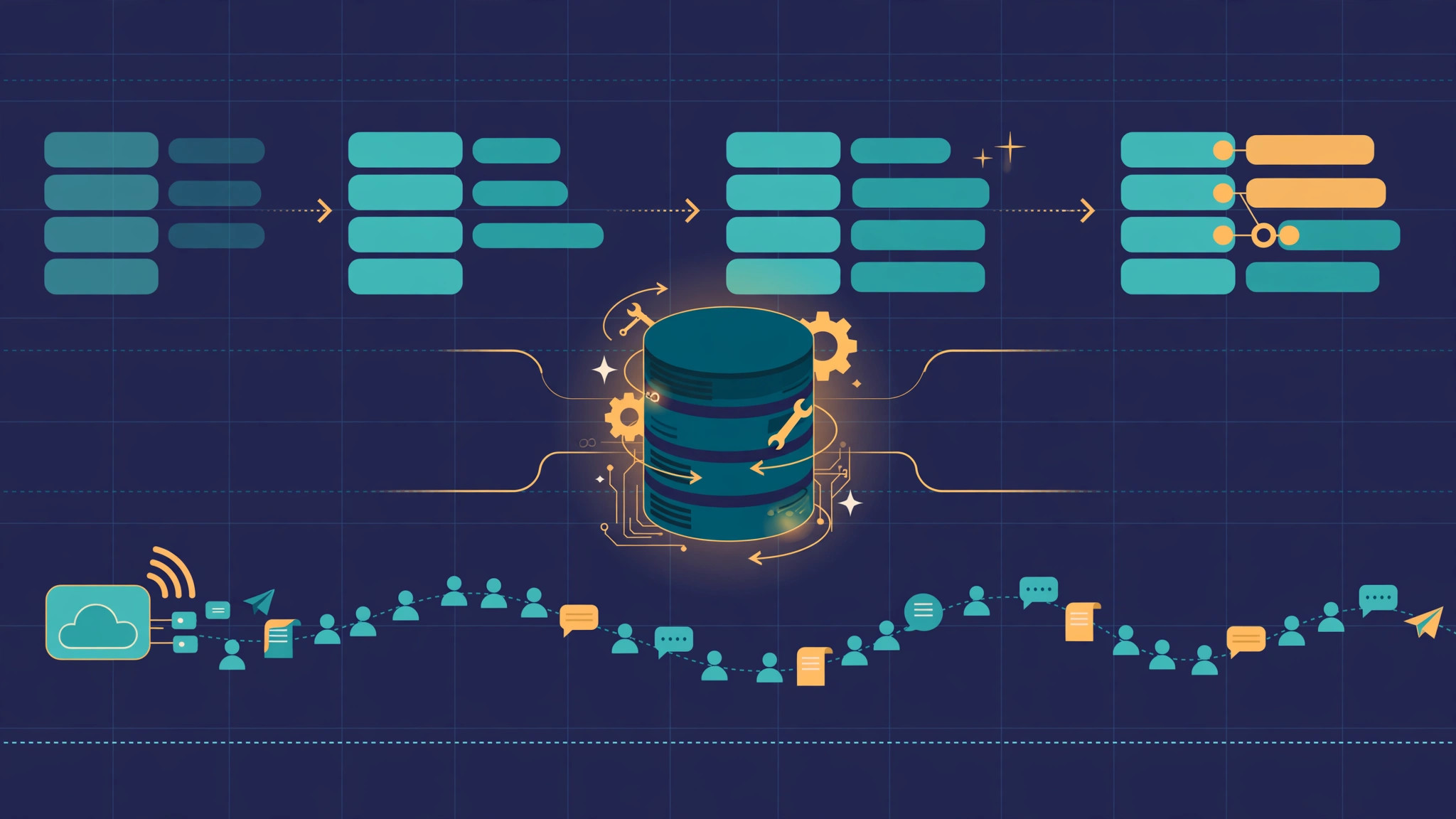
Every growing application reaches the same moment: the schema that served the first version no longer fits, and the change cannot wait for a quiet Sunday at 2 a.m. because there is no quiet Sunday any more. Meanwhile users keep placing orders, and the application is expected to stay up. A migration that locks a table for minutes is a design problem. The fix is ordering: change the database and the code in steps that are each safe on their own, so no deploy ever leaves the application talking to a schema it does not understand.
Why migrations take applications down
A migration goes wrong in one of two ways. The first is locking: an ALTER TABLE that rebuilds a large table holds a lock while it copies rows, and every query behind it queues up until the application times out. On a small table this takes milliseconds; on a table with millions of rows it can take minutes, and the queue behind the lock is what causes the outage. The second is a version mismatch: the new code expects a column the database does not have yet, or the new database has dropped a column the old code still reads. During a rolling deploy both versions run against the same database, so any change that assumes one version breaks the other half of the fleet.
Both share a root cause: treating the migration as one atomic event instead of a sequence. Zero-downtime migration is not a special tool or a database feature. It is the discipline of making every step backwards compatible and verifying it before moving to the next one. The same thinking behind safe deployments with artifact retention and rollback applies to the schema: every state should be one you can run, and one you can get back from.
The expand-and-contract pattern
The core technique is expand and contract. Instead of renaming or replacing a column in one step, you expand first: add the new structure alongside the old, deploy code that writes to both and reads from the new one, backfill the old data, and only then contract by removing the old structure in a later release. Each step is safe while the application is live, because at no point does the running code depend on a schema state that does not exist yet.
A typical rename in MySQL looks like this spread across three releases:
-- Release 1: expand. Adding a nullable column is fast and non-blocking.
ALTER TABLE customers ADD COLUMN full_name VARCHAR(255) NULL;

-- Release 2: after code writes both columns, backfill in small batches.
UPDATE customers SET full_name = CONCAT(first_name, ' ', last_name)
WHERE id BETWEEN 1 AND 10000 AND full_name IS NULL;

-- Release 3: contract, only once no code reads the old columns.
ALTER TABLE customers DROP COLUMN first_name, DROP COLUMN last_name;
The same pattern covers type changes, splitting a column, and moving a column to another table. The price is patience: a rename takes three releases instead of one. The reward is that no release ever breaks the application, and any release can be rolled back independently, because the old columns are still there.
Ordering rules that keep both versions alive
Expand and contract is the headline, but the day-to-day safety comes from a handful of ordering rules:
- Add before you remove. New columns are nullable or have a default; new tables exist before any code references them. Nothing is dropped until no deployed code reads it.
- Never rename in place. A rename is a drop plus an add, and it breaks every version of the code that uses the old name.
- Make new columns nullable first. A NOT NULL column with no default on a populated table forces the database to rewrite every row. Add it nullable, backfill, then tighten the constraint later.
- Keep old and new code compatible. During a rolling deploy, old and new code share the database. If new code writes a value old code cannot read, the old instances will corrupt or reject data until they are replaced.
- Deploy code and schema separately. Run the schema change, verify it, then deploy the code that uses it. Bundling them means a code failure and a schema failure arrive together, and you cannot tell which one to roll back.
Watch connection pooling too: a migration that holds a lock while the pool keeps opening new connections turns a thirty-second ALTER into a full outage.
Backfills without locking the table
The backfill is where most zero-downtime plans quietly fail. Updating a million rows in one statement holds locks, generates undo log pressure, and on a replicated setup can stall the replicas too. The fix is to backfill in batches: update a few thousand rows at a time and pause briefly between batches. Start with batches of 1,000 to 5,000 rows keyed on the primary key, and tune the size by watching replication lag and lock wait time.
Run backfills from a job runner, not the migration script. A migration should finish in seconds; a backfill can take an hour, and should be resumable and observable like any other long-running work. The same discipline that applies to background jobs with retries and idempotency applies here: a backfill that can be safely re-run is one you can stop and restart without worrying about which rows it already touched.
The rollback plan is part of the migration
A migration without a tested rollback is a hope, not a plan. Before any schema change touches production, confirm you can restore to the state before it by actually restoring, not by assuming the backup works. MySQL backups with point-in-time recovery are the safety net: a backup taken just before the migration plus the binary log lets you roll back to the minute, which matters when a bad migration is only discovered after users have written new data against the new schema. Rolling back the schema alone is rarely enough; you also need to know what happens to the data written in between.
Test the rollback on a staging copy that resembles production in size, not just in shape. A migration that takes four seconds on a staging table with a hundred rows and four minutes on the production table is one you did not actually test. Measure the ALTER on a realistic dataset, measure it again under load, and only then schedule it. If the numbers are bad, split the migration into smaller steps.
Checklist: before you run it in production
- Every step is backwards compatible: old and new code both work against each intermediate schema state.
- The migration has been timed on a staging copy with production-like data volume, under load.
- Backfills are batched, resumable, and run outside the migration script, with progress tracked.
- A backup was taken immediately before the change, and a point-in-time restore has been tested recently.
- The rollback is written down: which steps to reverse, in which order, and what happens to data written afterwards.
- Someone is watching while it runs: replication lag, lock waits, pool saturation, and error rates.
- The deploy is traceable, so every production deploy can be traced back to its source.
Zero-downtime migration is unglamorous: small steps, compatible states, batched writes, and a rollback you have actually tested. The teams that do it well never bundle a schema change and a code change into one leap of faith. Get the ordering right and the migration becomes a routine deploy. If your schema has grown past the point where a maintenance window feels acceptable, talk to us — database migrations and cloud and DevOps work are part of what we do for business applications.